Whether you're writing essays, creating presentations, designing projects, or staying organized, these free and reliable tools can make student life easier. Explore our recommended resources to boost your productivity and learning.
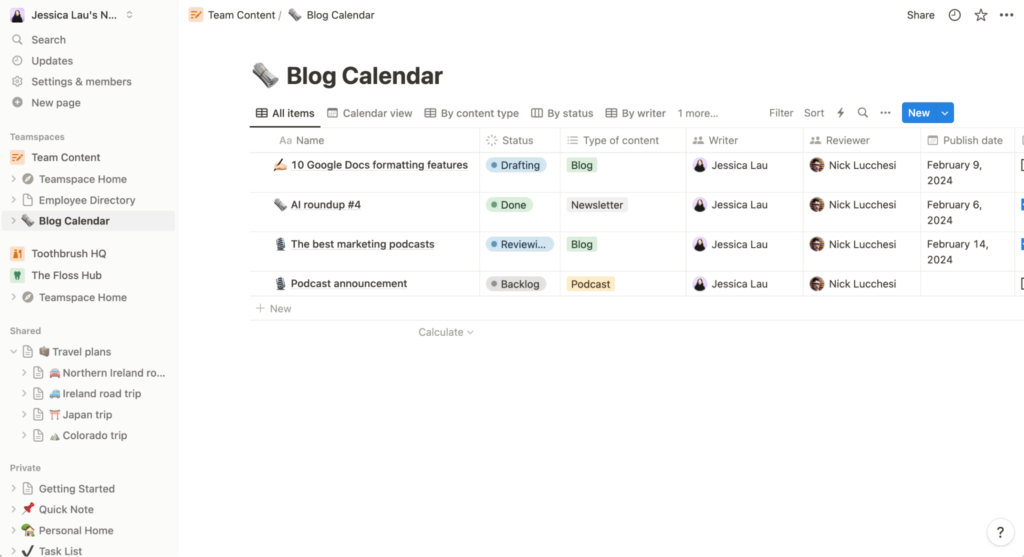
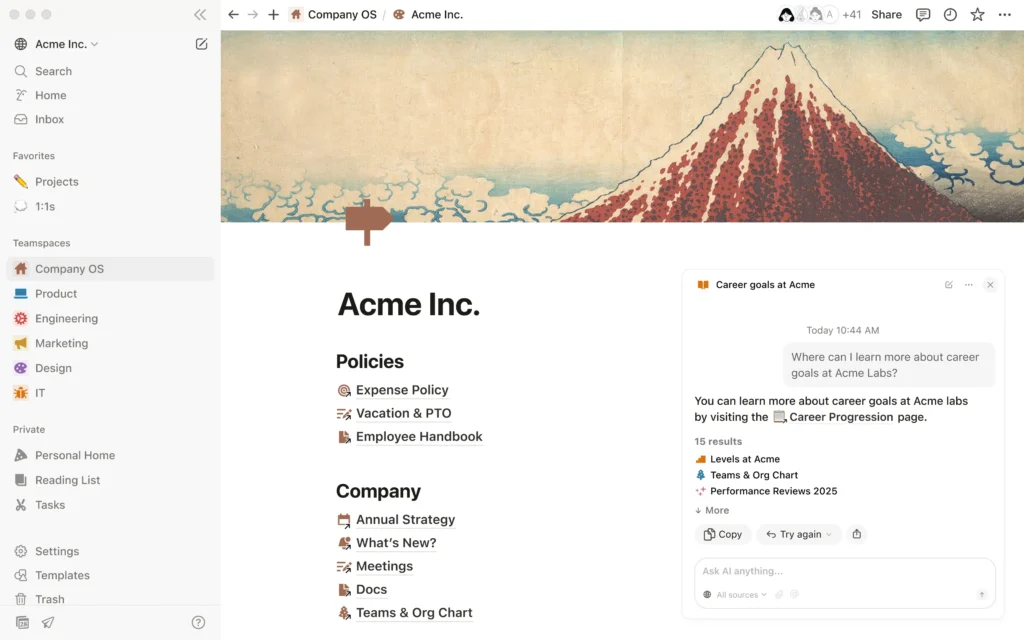
Notion is an all-in-one productivity platform where students can organize class notes, manage assignments, create study schedules, and track personal goals. Its customizable pages make it a powerful tool for staying organized.
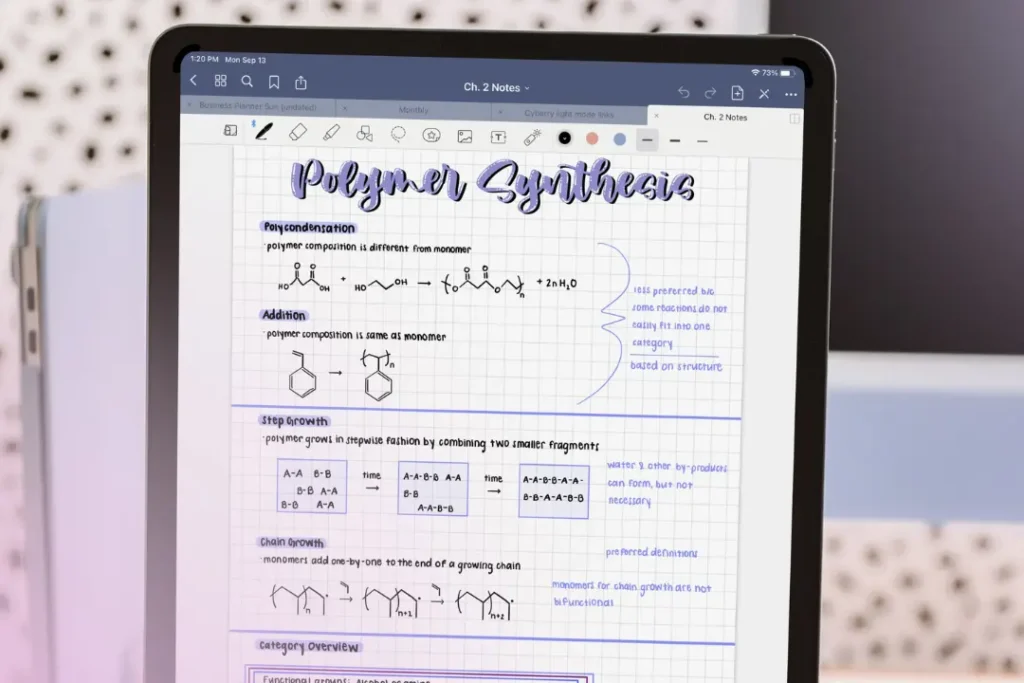
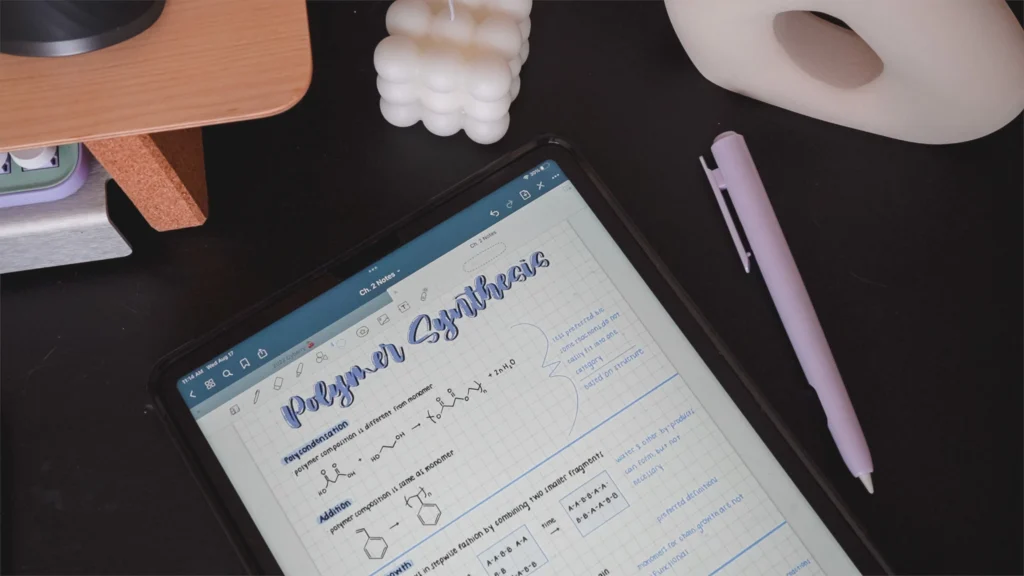
Goodnotes is a digital notebook designed for handwritten note-taking on touchscreen devices. It allows students to write naturally with a stylus, annotate PDFs, highlight lecture slides, and organize notebooks by subject, making it ideal for paperless studying.
Best for:
Handwritten notes, annotating PDFs, and organizing lecture materials
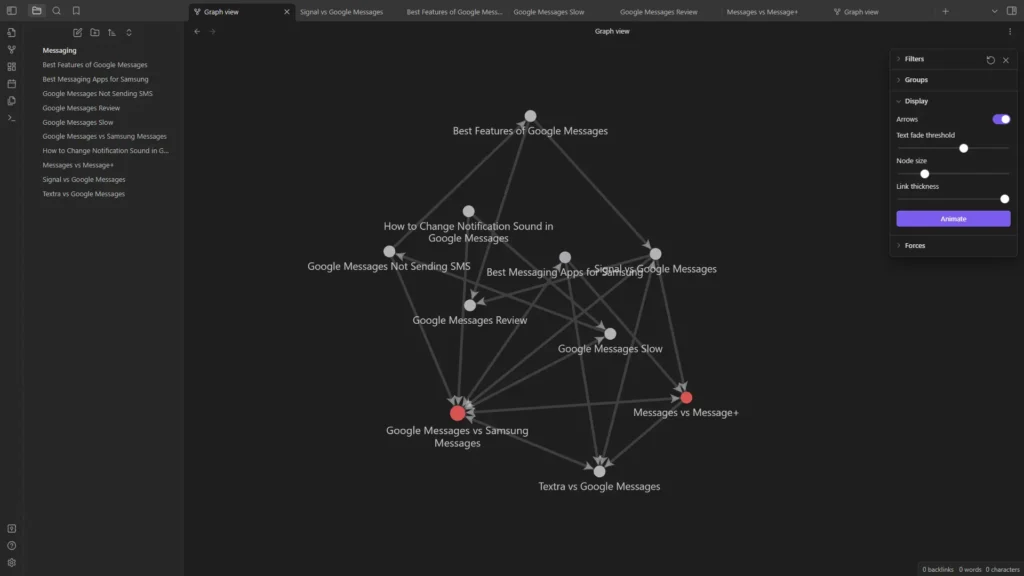
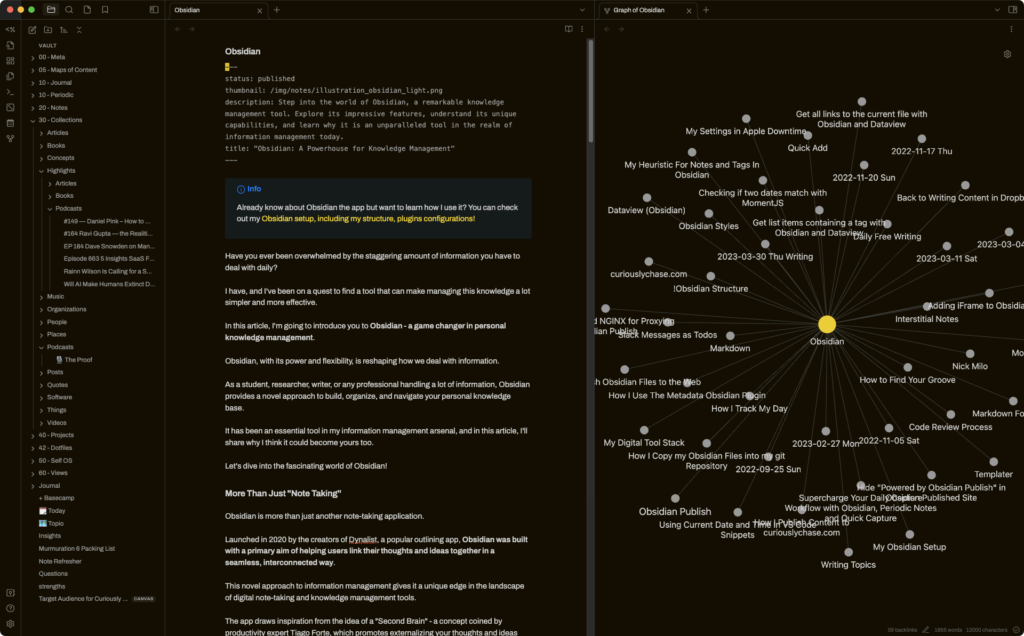
Obsidian is a powerful note-taking application that stores your notes as connected files. It allows you to link ideas, build a personal knowledge base, and visualize connections between topics, making it especially useful for students handling complex subjects or long-term projects.
Best for:
Linking ideas, knowledge management, and long-term note organization
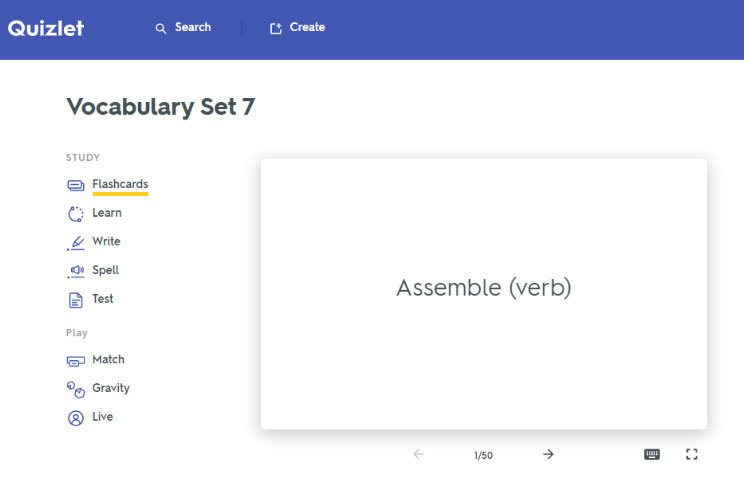
Quizlet helps students study through digital flashcards, practice quizzes, and interactive learning activities. It supports active recall and spaced repetition, making it especially useful for memorizing vocabulary, formulas, and key concepts.
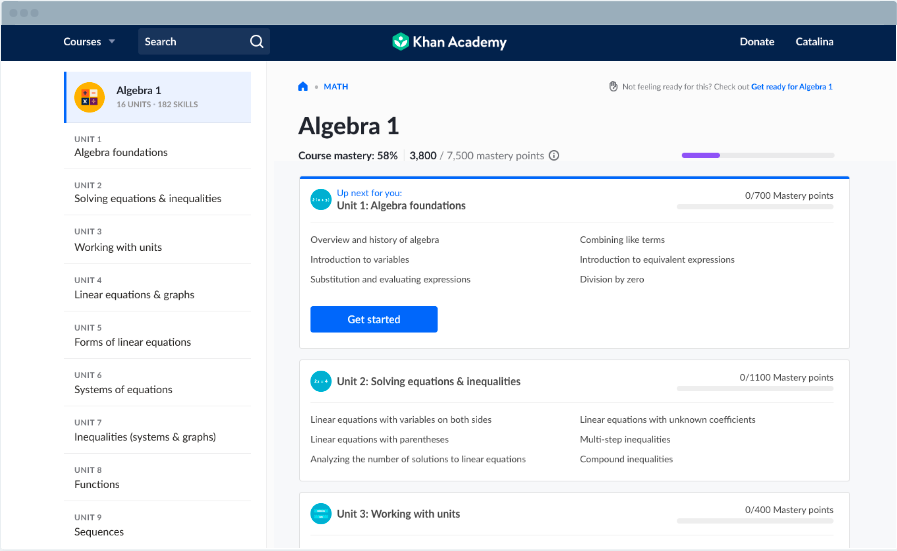
Khan Academy provides free educational lessons and practice exercises across a wide range of subjects. Each lesson includes easy-to-follow videos and explanations that help students understand challenging topics at their own pace.
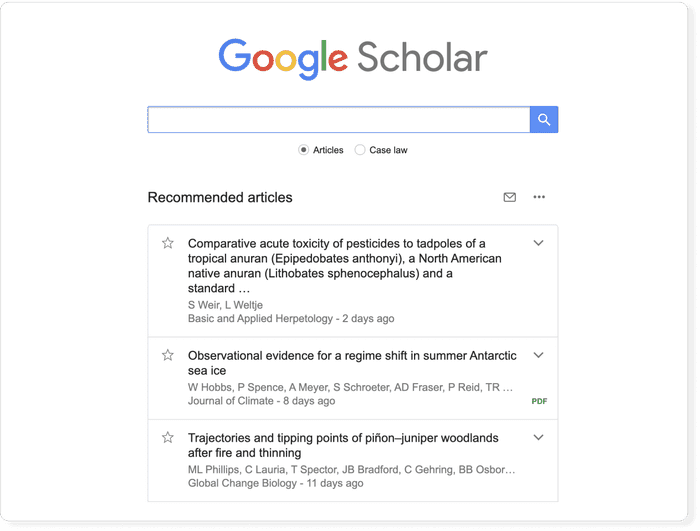
Google Scholar is a search engine specifically designed for academic research. It helps students find scholarly articles, journals, books, and other credible sources that can be used for assignments and research papers.
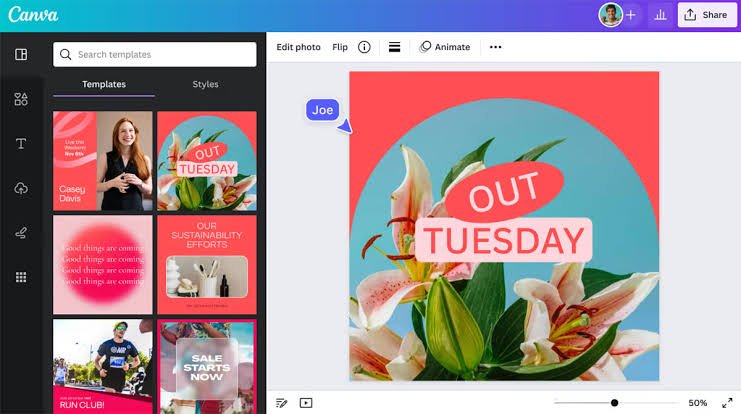
Canva is a beginner-friendly graphic design platform with thousands of templates for presentations, posters, infographics, resumes, and social media content. It allows students to create professional-looking designs without needing advanced design experience.
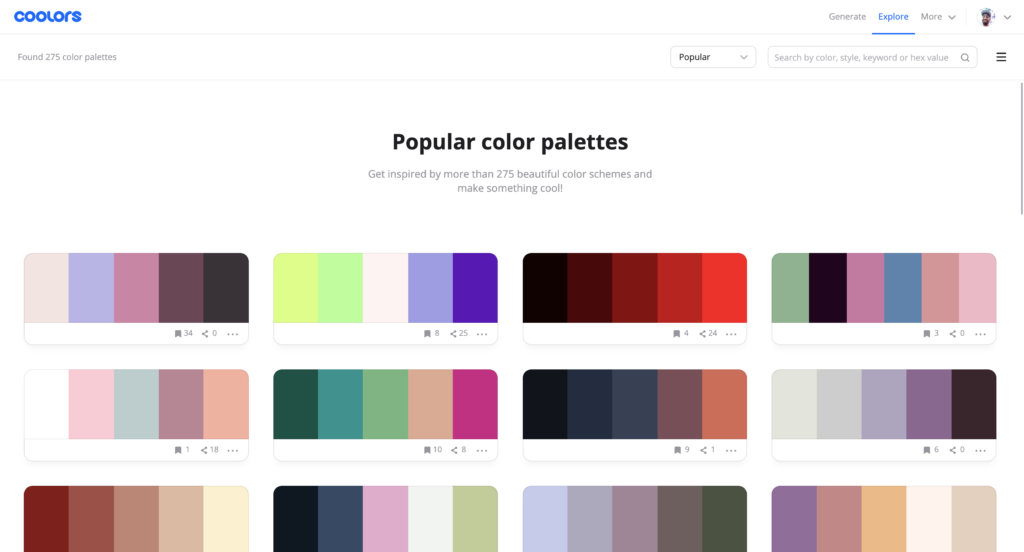
Coolors is an online color palette generator that helps users create visually appealing color combinations. It is especially useful when designing presentations, websites, posters, or other creative projects.
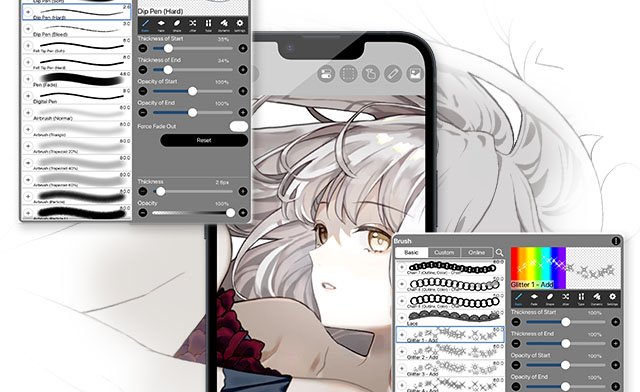
ibisPaint is a digital drawing and painting app designed for artists of all skill levels. It offers a wide range of brushes, layers, filters, and drawing tools, making it useful for creating illustrations, concept art, comics, and other digital artwork.
Best for:
Digital illustration and drawing
Build Your Student Tool Kit
The best resource isn't necessarily the one with the most features, it's the one that fits the way you learn and work. Try different tools, find what works for you, and create a study system that makes student life a little easier.